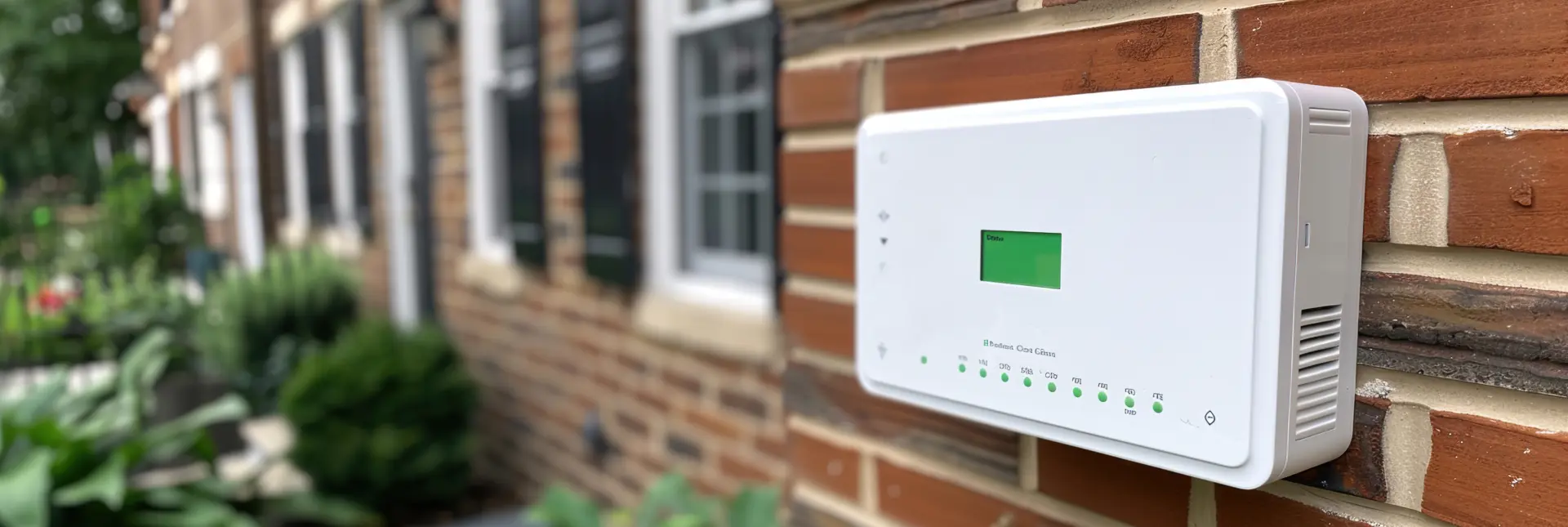
Troubleshooting Common Security System Faults and How to Fix Them can prevent false alarms and system failures. Keep your UK security system operating smoothly.
Alarm Will Not Arm or Disarm
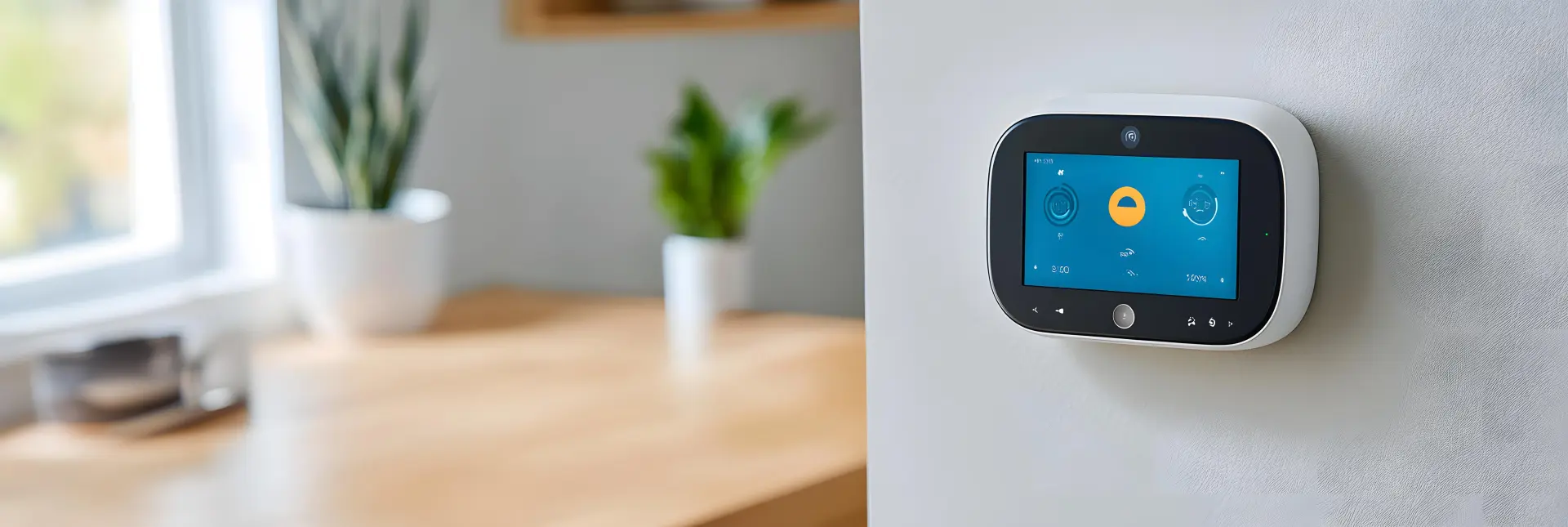
When your alarm will not arm or disarm, start with the simple checks. Make sure the system has power and that the mains and backup battery are switched on. Check that you are using the correct code and that no buttons are stuck. Look at the display for warning messages about open doors, windows, or active zones.
Close all doors and windows firmly, then try again. If a zone is still showing as open, the sensor or magnet may be loose or damaged. Gently clean around the sensor and check that the parts line up. If problems continue, reset the panel using the user guide, or call a qualified engineer for help. Finally, test the alarm several times to confirm.
Constant Beeping From the Control Panel
Constant beeping from the control panel is usually a sign that something needs attention. First, check the display for a clear error message. Common causes include low battery, a power cut, a fault with a sensor, or a problem with the phone or internet line. If the beep is linked to a low battery, note which device is affected. The main panel and external bell box both have batteries that wear out over time and need replacing.
If the panel is warning about a power issue, check the fused spur, plug, or breaker feeding the alarm. Restore power and see if the beeping stops. When the message points to a single sensor, inspect it for damage, dirt, or loose covers.
Constant beeping from the control panel is usually a sign that something needs attention. First, check the display for a clear error message. Common causes include low battery, a power cut, a fault with a sensor, or a problem with the phone or internet line. If the beep is linked to a low battery, note which device is affected.
The main panel and external bell box both have batteries that wear out over time and need replacing. If the panel is warning about a power issue, check the fused spur, plug, or breaker feeding the alarm.

Restore power and see if the beeping stops. When the message points to a single sensor, inspect it for damage, dirt, or loose covers. Refitting the cover or gently cleaning the sensor can often clear the fault. If you are unsure, use the silence or acknowledge feature to stop the sound temporarily, then arrange a visit from a security engineer.
In some cases, the beeping can be linked to time, date, or communication settings after a long power cut. Check that the clock is correct and that any required phone, broadband, or mobile signal is present.
If your system uses an app, make sure the router is on and the network cables are secure. Reboot the router and recorder if needed. Do not ignore regular warning beeps, as they may stop the alarm from arming. Dealing with the cause early keeps your system reliable and avoids bigger repair costs later. Treat beeping as urgent.
Sensors Not Detecting Movement or Open Doors
If sensors are not detecting movement or open doors, your security system will not protect you properly. Start by checking the zone name and making sure the sensor is actually turned on in the panel settings. Look for low battery warnings on wireless sensors. Replace the battery with the correct type if needed. For motion sensors, make sure nothing is blocking their view, such as furniture, stacked boxes, or decorations.
Clean the lens carefully with a soft, dry cloth to remove dust and cobwebs. For door and window contacts, check that the magnet lines up closely with the sensor body when the door is closed. If they are out of line or loose, refix them securely. Replace faulty sensors promptly.
False Alarms at Random Times
False alarms at random times can be annoying and may lead people to ignore your system. To fix the issue, first check the alarm log if your panel has one. This will show which zone is triggering. Focus your checks on that area. For motion sensors inside the home, look for moving heat sources, such as pets, heaters, or air vents. Small insects or spiders inside the detector can also cause false triggers, so gently clean around the sensor. Make sure sensors are set to the right height and angle for the room.
Outside, movement from plants, loose signs, or flapping covers near external detectors can cause problems. Cut back branches and secure anything that moves in the wind. Also check for loose covers, water inside sensors, or damaged cables.

If the same zone keeps triggering after you have checked and cleaned it, ask a qualified engineer to test or replace the device and review the system settings, such as entry and exit times and sensitivity levels. Storms and power cuts can also cause random alarms, especially if the system battery is weak. After bad weather, walk around the property and look for signs of damage to sensors, cables, and outside boxes.
Check that all doors and windows close firmly onto their contacts. Review how you use the system, including delays for entry doors, to make sure family members are not rushing and making mistakes. Good maintenance, regular cleaning, and yearly servicing greatly reduce the chance of false alarms happening.
CCTV Cameras Showing No Picture
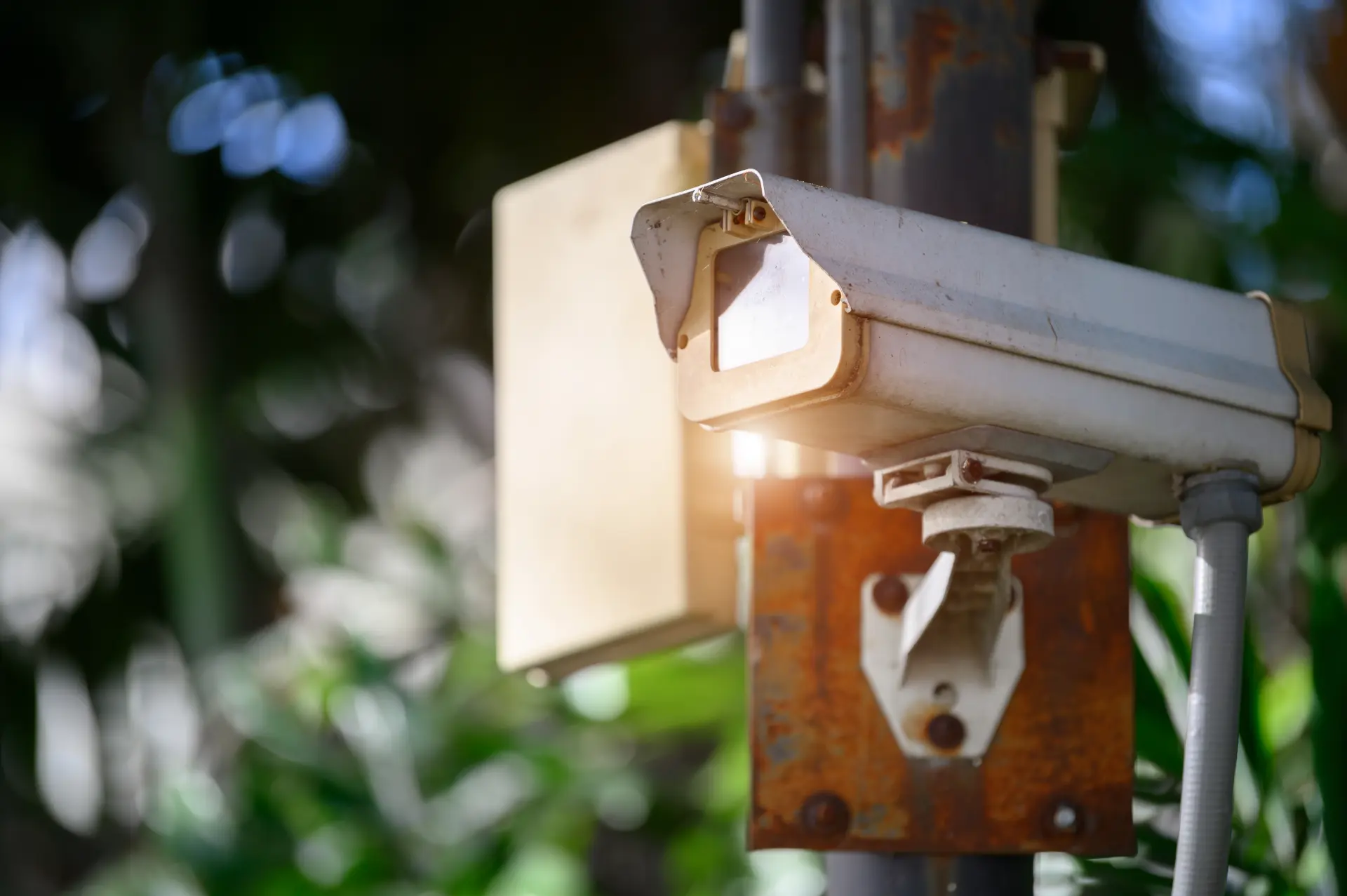
When CCTV cameras show no picture, start by checking if the problem is with one camera or all of them. If all cameras are blank, look at the recorder and any monitor to make sure they have power and are switched on. Check the cables and plugs have not been pulled loose. If only one camera has failed, inspect its power supply, local connection, and any visible joints in the cable.
Many systems show a “no signal” message when the link is broken. In this case, try a different channel or lead to test the camera. Clean the lens and housing so you can see clearly once the image returns. If problems continue, ask a qualified engineer to inspect everything.
Contact us today Security System Repairs in Doncaster. If you're looking for the best place to go for high-quality Security System Maintenance and Repair, give our helpful team a call. We're available all throughout the working week and can arrive to repair or maintain your security systems whenever you need us!